Stars are the only currency
Harbor Escape has no coins or gems. Everything you earn and spend is counted in stars (★), and the total is shown at the top of the home screen. That keeps things simple: every star you win in a level can go toward rebuilding your seaside town, unlocking a new look for your boats, or buying a booster for a tough level.
Where stars come from
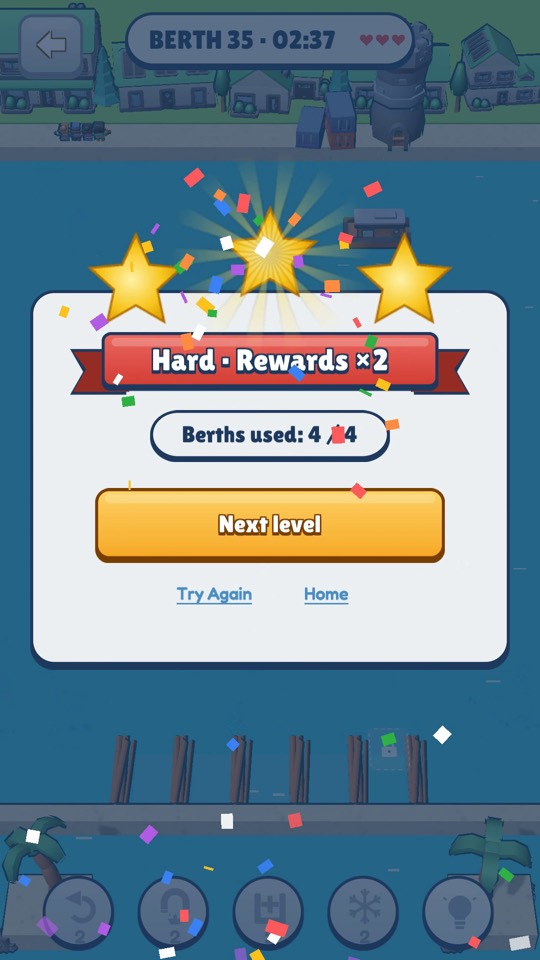
- Levels. Each Berth Sort level gives one to three stars (see the Berth Sort guide for how they are judged). Replaying a level only adds stars if you beat your previous best. Hard levels double the new stars and Super Hard levels triple them. Classic levels and Cargo Match levels give one to three stars too.
- Chests. The first clear of certain Berth Sort levels opens a chest: a small chest with 15 stars on every fifth level, and a bigger chest on every tenth level, which is also the last level of a chapter.
- Daily Harbor. 15 stars for your first clear each day, plus bonuses at streak milestones (see the Daily Harbor guide).
- Tide Challenge. One, two or three stars for a run that reaches 1,000, 3,000 or 5,500 points, up to nine stars per day.
- Daily Rewards. The calendar button on the home screen opens Daily Rewards. "Today's Missions" offers three small missions each day worth 5, 15 and 15 stars, plus 20 more for finishing all three. The "7-Day Login" pays 10, 15, 15, 25, 20, 25 and 50 stars over seven days.
- Win streaks. Winning several levels in a row adds bonus stars to your wins.
- Your harbor. Repaired buildings earn stars by themselves — more on that below.
Chapters
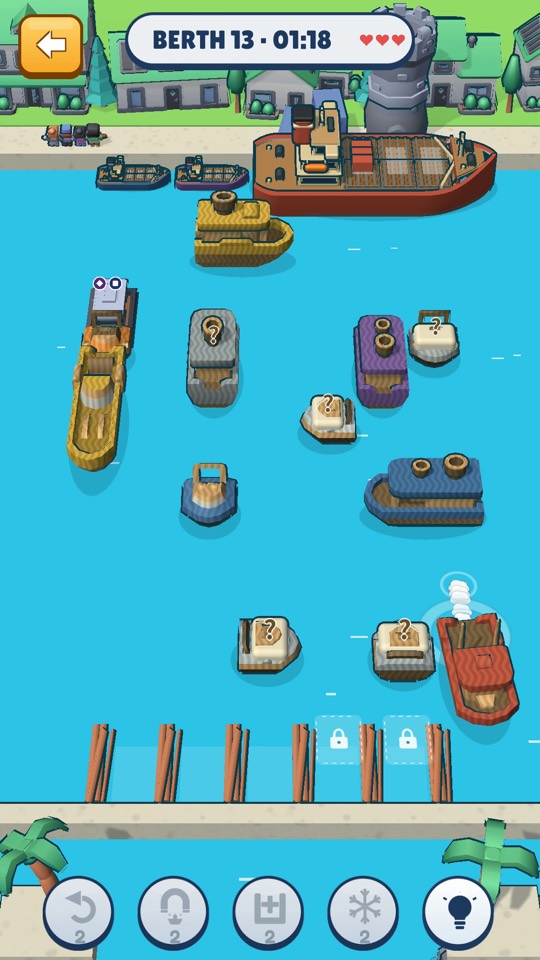
Berth Sort's 100 levels are grouped into chapters of ten. The home screen shows your progress as "Chapter" with a count out of 10, along with a short goal line telling you how many more stars you need for the next repair. Each chapter has the same rhythm: normal levels, a Hard level in the middle (position 5), a Super Hard "boss" at the end (position 10), and — from chapter 3 on — a small puzzle at position 4 and an untimed sprint at position 9. Chapters are not separate worlds; they simply give the long climb to level 100 a regular shape, with a chest waiting at the end of each one.
Rebuilding the harbor
The Harbor button on the home screen opens your town. Its subtitle sums up the idea: "Repair buildings with stars. They earn stars for you." There are six buildings, and they are repaired in a fixed order — the game will tell you to fix the previous one first.
| # | Building | Repair cost | Income once repaired |
|---|---|---|---|
| 1 | Dock | 5 ★ | 0.5 ★ per hour |
| 2 | Lighthouse | 7 ★ | 0.5 ★ per hour |
| 3 | Main Street | 9 ★ | 0.5 ★ per hour |
| 4 | Restaurant | 100 ★ in four steps (20, 25, 25, 30) | 1 ★ per hour |
| 5 | Fish Market | 185 ★ in four steps (40, 45, 50, 50) | 1 ★ per hour |
| 6 | Lookout | 295 ★ in four steps (65, 70, 75, 85) | 1.5 ★ per hour |
Rebuilding the whole harbor costs 601 stars. The first three buildings are cheap on purpose, so you see the town come back to life within your first few levels. The bigger buildings are repaired one step at a time, and you can put stars into a step whenever you have enough.
Harbor income
Fully repaired buildings produce stars over time, even while you are away. Income builds up for at most eight hours, after which the harbor shows "FULL" and stops filling until you collect. Two practical habits follow from that:
- Visit the harbor at least once or twice a day to collect, so no income is wasted.
- Repair buildings in full before starting on the next one; a half-repaired building earns nothing yet.
With all six buildings repaired, the harbor produces 5 stars an hour — up to 40 stars per collection. Over time, the first three buildings can also get dirty; cleaning them in the Harbor Restore side game (unlocked at Berth Sort level 30, via the "Clean up the harbor" button) raises their income, up to double, and pays a small reward right away ("Scrubbed clean!").
The Harbor Shop
The shop button on the home screen opens the Harbor Shop, which has two tabs:
- Boosters: Undo for 30 stars, Freeze for 40, Call boat for 50 and Extra berth for 60, up to three of each per day. See the boosters guide.
- Looks: cosmetic skins. "Classic" is the default and free. "Paper Fleet" and "Wooden Toys" each have a boat skin (360 stars) and a matching sea theme (240 stars), or the full set for 540 stars. Each look has a "Try for one level" button you can use once per day, so you can see it in a real level before spending anything. A fourth card, "Lantern Night", is not available yet.
How to spend your stars
- Repair the first three buildings immediately. They cost 21 stars together and start producing income right away.
- Keep repairing in order. Each finished building adds income for the rest of your time with the game, so early repairs pay back the most.
- Buy boosters only for Hard and Super Hard levels. Those levels double or triple your reward, so a booster spent there tends to earn itself back.
- Save skins for later. Skins do not change gameplay. Try them for free once a day, and buy one when the harbor is done and stars start piling up.
Ready to try it? Harbor Escape is free and runs in any modern browser — no download, no account.
Play free in your browser